Injury on duty (COIDA)
Injury on duty? Get the COIDA claim right
When someone gets hurt at work, the paperwork starts. Log the incident, keep the forms and medical certificates together, and track the claim from open to closed.
Book a demo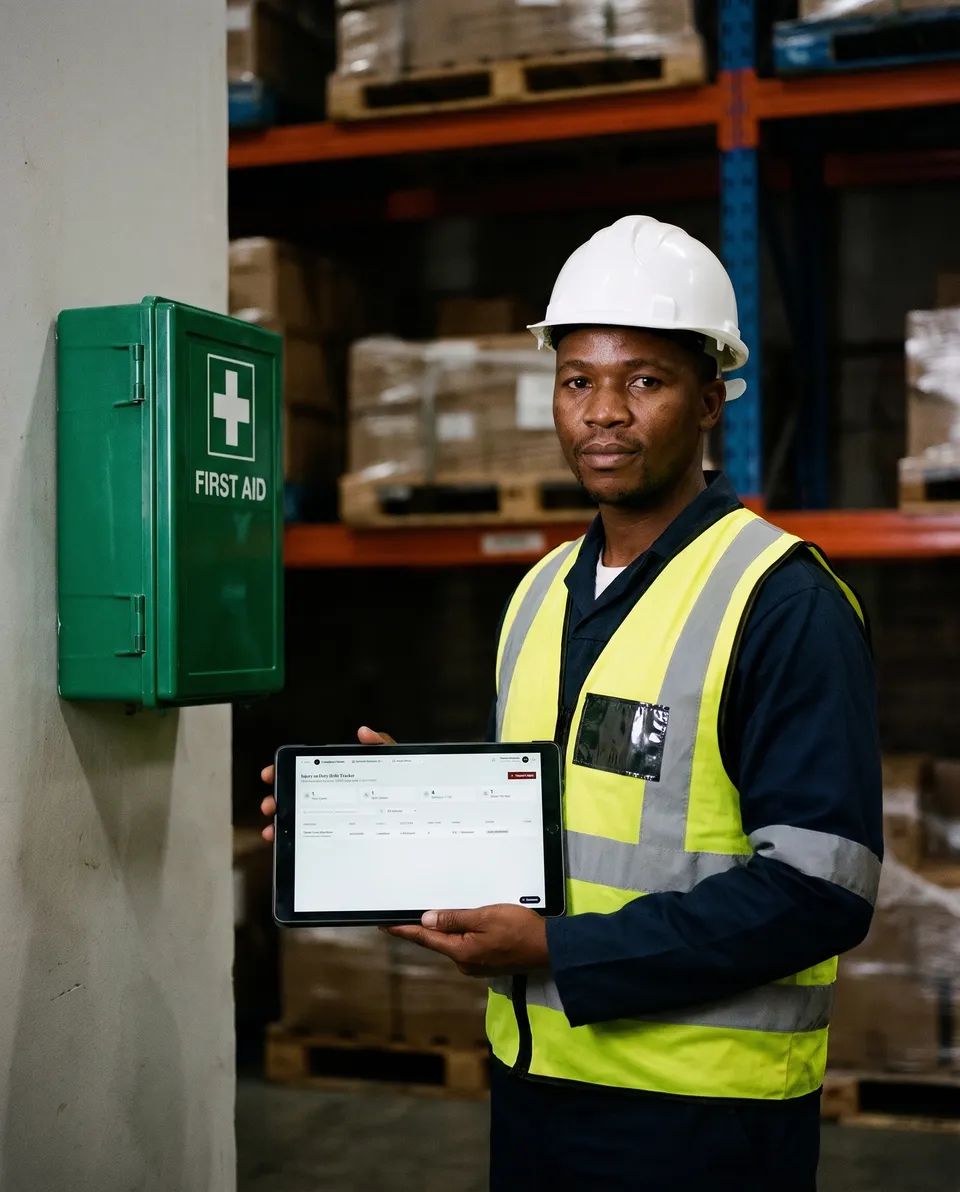
What it does
- Logs each incident: who, when, where, the injury, the body part, the treatment given and the days lost.
- Tracks the case from open to closed, and the COIDA claim from not filed to W.Cl.1 or W.Cl.2 submitted, accepted or rejected.
- Keeps the COIDA reference number with the case.
- Holds the paperwork: W.Cl forms, medical certificates, investigation reports and photos, uploaded from a computer or a phone.
- Records the return-to-work date, the root cause and the corrective actions.
- Shows open cases and days lost this year at a glance.
How it works
Report the injury
Log the incident and the injury details when you hear about it.
File the claim
Submit the forms as usual, then upload them and record the COIDA reference number.
Close it out
Update the status as the claim moves, record the return to work, and close the case.
Read the guide: COIDA Return of Earnings and your Letter of Good Standing
Book a demo
See it working on records like yours. Leave your details and someone from our Cape Town team will contact you to set a time.
Your records are stored in South Africa (Cape Town).
Frequently asked questions
What is kept on record for each injury?
The incident, the injured employee, the injury and body part, days lost, the claim reference and its status from open to closed, with the supporting documents attached.
What documents can I attach to a case?
W.Cl.1 and W.Cl.2 forms, medical certificates, investigation reports, photos and other files. Upload them from your computer, or from a phone by scanning a QR code.
Can I see how many days were lost to injuries?
Yes. Each case records the days lost, and the tracker shows open cases and days lost for the year to date.